FaceSwap
Put the right face in the right scene. Transfer identity while preserving the expression, lighting, hair, and character of the original image.
Move identity without losing the moment.
Drag across the image to compare the original portrait with the generated result. Pose, wardrobe, hair, and background remain the visual foundation.


Familiar scenes. Unexpected identities.
Explore real examples created with Webit FaceSwap, from subtle identity transfers to deliberately surreal character combinations.


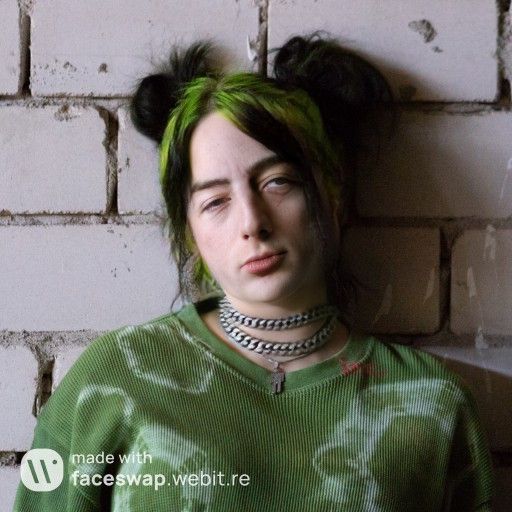
Two images in. One convincing result out.
FaceSwap keeps the process direct while giving you control over the source identity and the target scene.
Source faceTarget imagePowerful image tools deserve clear boundaries.
Use photographs you have the right to use, respect identity and consent, and make the synthetic nature of a result clear whenever context could mislead someone.
Bring a face. Reimagine the scene.
Open FaceSwap in Webit Portal, choose your images, and create a new identity for the moment.