
 OriginalUpscaled
Upscale 2x or 4x
Increase resolution while preserving natural image detail.

 Webit presentsPublic alpha
Compose images, shape layers, describe changes to AI, refine every result directly, and finish with precision in one focused Webit workspace.
Canvas brings AI direction, composition, and direct manipulation together without flattening your thinking. Describe the change you want, then keep its result layered, editable, and entirely in your hands.
A responsive editing surface keeps the artboard central while tools, layers, masks, and properties stay close enough to act on.
CanvasCanvas brings StudioChat's conversational image editing into the same layered workspace as selections, masks, brushes, and adjustments. Ask for a transformation in natural language, compare it with the source, then continue refining it directly.


Use established Webit image operations from the active image or revision. Hover or focus each example to reveal the processed result.
OriginalUpscaled
Increase resolution while preserving natural image detail.

 OriginalRemoved
Erase distractions and reconstruct the scene behind them.

 OriginalTransparent
Create a clean cutout while retaining a natural grounding shadow.

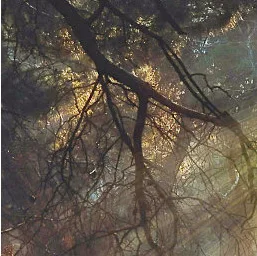 OriginalRelit
Recover a balanced, believable lighting treatment.

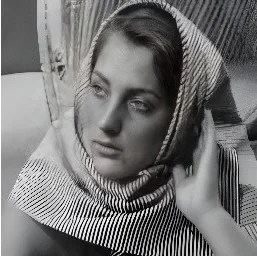 OriginalRestored
Bring back clarity without the brittle processed look.
Every AI change remains connected to its instruction, source image, and editable Canvas document. Revisit a revision, continue from it, or compare the path that led to the final image.
R2R1OriginalBring images, type, shapes, and blank layers into one document. Arrange, align, group, blend, and transform without losing the structure underneath.
Work with masks, selections, brushes, curves, filters, perspective, and precise canvas controls built for edits that deserve more than a preset.
Describe edits and transformations in natural language, apply focused AI operations, then keep direct control of every result in the same visual context.
Move from editable document to the right output with deliberate dimensions, format, quality, and a place in your shared Webit Library.
Canvas will join the Webit creative platform soon. The private preview is already helping shape what launches next.
Open Canvas